Make the Most of Lecture Recordings This Semester
Lecture recordings can be more than just a backup when you miss class. This guide shares simple ways to use them to revise smarter, stay organised, and feel more confident as the semester picks up.
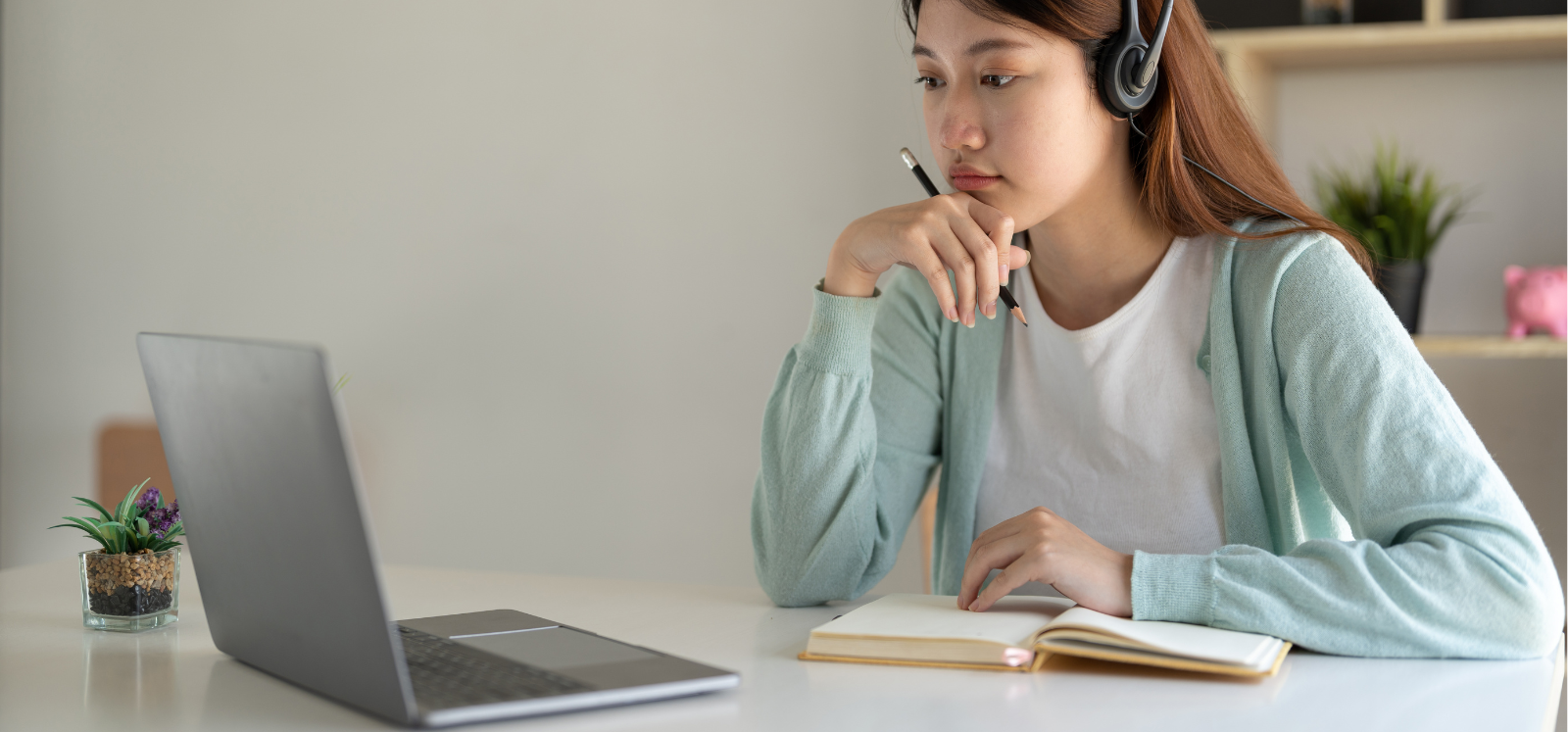
With the new semester underway, it’s a good time to reflect on how you are using lecture recordings as part of your study routine. Lecture recordings are there to support your learning, but they work best when you know how to use them properly. Here are a few things to keep in mind, plus some practical tips to help you get the most out of them.
A Few Things to Know First
Not every lecture will be recorded
There may be personal, pedagogic or technical reasons why your lecturer has chosen not to record their teaching. They may also pause the recording at certain points, for example when sensitive topics are discussed. This can feel frustrating, but it is important to respect these decisions. When a recording is not available, make use of other helpful study materials such as lecture slides and notes.
Recordings do not replace attending class
Lecture recordings are designed to complement lectures, not replace them. Being in the room gives you opportunities that recordings cannot replicate, such as asking questions, joining discussions and building relationships. You will get the most value from recordings if you attend the lecture first, then use the recording as a supplementary resource to revisit tricky sections or support your revision.
Use recordings responsibly - Do Not Share!
⚠️ Lecture recordings are provided for your personal study only. They should never be shared online, posted on social media or distributed to others, including via messaging platforms. This helps protect staff and students. Sharing recordings without permission is a serious matter and may be investigated under the University's Student Conduct Regulations.

Practical Tips
Where to find recordings
Most recordings can be accessed through Canvas and are often embedded directly on a course page. You may also find them by selecting ‘Panopto Video’ in your course navigation menu.
When to watch recordings
Recordings are usually available 48 hours after the lecture. This timing is intentional. Allowing a short gap before rewatching helps strengthen your memory and understanding, and also allows time for lecturers to edit if needed. If you can, plan ahead. For example, if you have a lecture on Monday, setting aside time on Wednesday to review the recording can work well.
How to watch recordings efficiently
-
- Set up the right environment
Find a quiet space, put your phone out of reach and avoid multitasking. Watching on a larger screen rather than your phone can also help you stay focused. - Be selective about which parts you watch
Before pressing play, try to recall what you remember from the lecture. The parts you struggle to remember well are the ones worth revisiting. Use the search or chapter feature to jump straight to those sections rather than wasting time rewatching the whole lecture. - Take meaningful notes
Use recordings to fill gaps in your notes or clarify ideas. Don’t write everything word for word because summarising in your own words is far more effective. If something is difficult to catch, check the captions or slow down the playback speed. - Avoid binge-watching
Saving all your recordings for the week before an exam rarely works. Watching recordings regularly throughout the semester supports learning far better and reduces last-minute stress.
- Set up the right environment
Missed the lecture?
Life happens and sometimes you cannot attend a lecture, for example due to illness. Use the recording to catch up.
Try to watch it as soon as it becomes available and, where possible, in the intended order of the module. On your first viewing, watch the full recording without pausing or skipping and take notes as you would in a live lecture. A few days later, test what you remember and rewatch only the sections you found most challenging.
Still Need Support?
Even with lecture recordings, you are not expected to figure everything out on your own. If something is unclear, reach out to your lecturer or attend office hours as normal. Asking for help is part of learning.
Check out these Lecture Recording FAQs for students for more information.